


Microsoft Office has been a well-known office suite around the world since its first release. It’s a paid office suite that requires a one-time purchase (Microsoft Office 2021), or a monthly or yearly subscription (Microsoft 365).
In most cases, when you buy a new computer, it usually comes with pre-installed Microsoft Office, which you can typically activate with a product key. However, if you don’t have it, the cost of Microsoft Office can be a barrier for many users, especially if you only need basic functionality.
Luckily, there are ways to free download Office on your PC windows 11/10/7. In this blog, we’ll explore 8 methods to use Office without spending money, Save 99.99$ a year with these tips!
1. Make sure you can still activate the Microsoft Office!
If you bought a laptop or computer with Windows 11/10 OS and Microsoft Office preinstalled and with an OEM license, then you may be able to activate Microsoft Office for free. The activation instructions are normally attached in the computer package or on the desktop screen after you activate your Windows 10/11 OS. Be sure to check your computer has pre-installed the Microsoft Office or not.
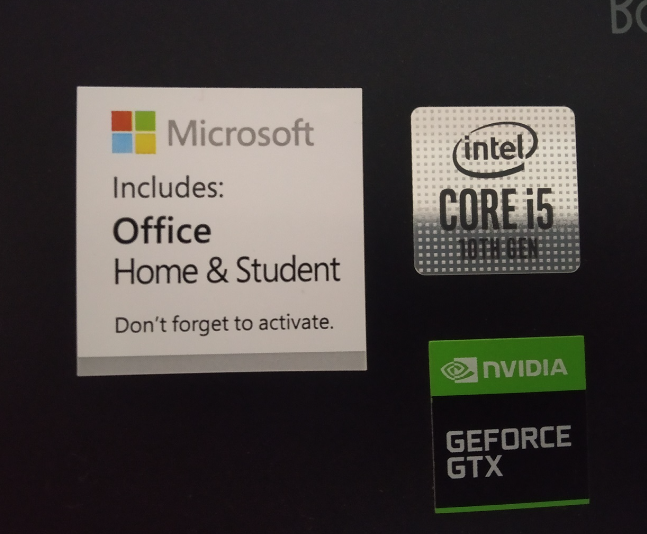
“I reinstalled Windows and now MS Office is not there. How do I get it back?” “I accidently deleted MS Office on my computer, how can I use it again?” Many people may face the same problem. Well, don’t panic! Let me show you how to get it back.
Please understand that when you activate pre-installed Office on your computer with your Microsoft account, the license is associated with your Microsoft account. You can sign into the services and subscriptions page using this link https://account.microsoft.com/services to check if you have this license in your account.
If you find the Office license, then you can install it on your computer. You can follow the steps below on how to install Office:
- From your computer, go to https://www.office.com/ and if you’re not already signed in, select Sign in.
- Sign in with the account you associated with this version of Office. This account can be a Microsoft account, or work or school account.
- After signing in, from the Office home page select Install Office.
- Select Install (or depending on your version, Install Office>). After installation, sign into any Office app like Word to activate Office.
If you still have the problem of installing it, you can contact the Microsoft support to assist you find your Office license.
Download Free Office
100% secureWin7, 10, 11
2. Get Office 365 for free if you are a student or an educator
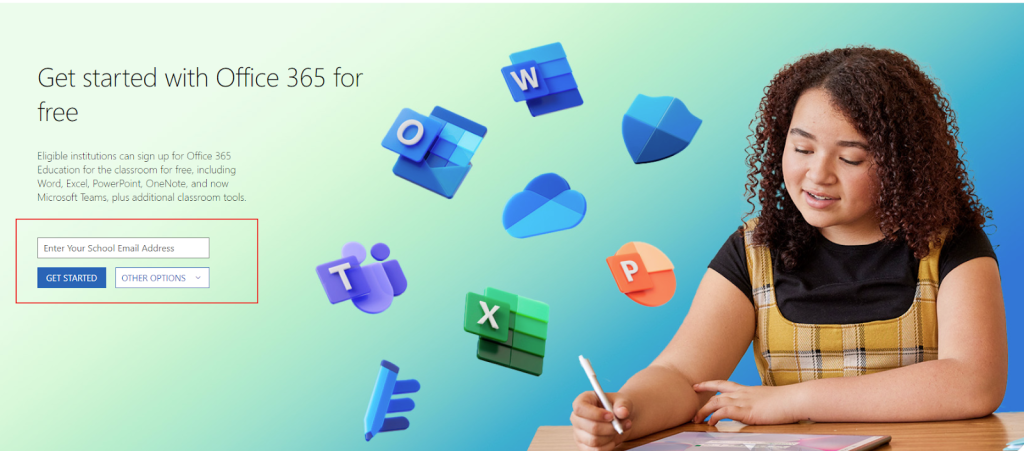
If you are a student or educator at eligible institutions, you have the opportunity to access Office 365 Education for free. Qualified institutions have the option to register for Office 365 Education for classrooms at no charge, providing access to Word, Excel, PowerPoint, OneNote, and now Microsoft Teams, along with additional classroom tools.
All you need is a valid school email address to sign up on this page on Microsoft’s website: Office 365 Education.
If you’re not eligible for the free Education version of Office, don’t worry! Schools often provide Microsoft Office packages for students and teachers. You can still ask your school’s IT department or faculty for help. They’ll likely have clear instructions on how to get it installed.
3. Using Microsoft 365 Online (Browser Based)
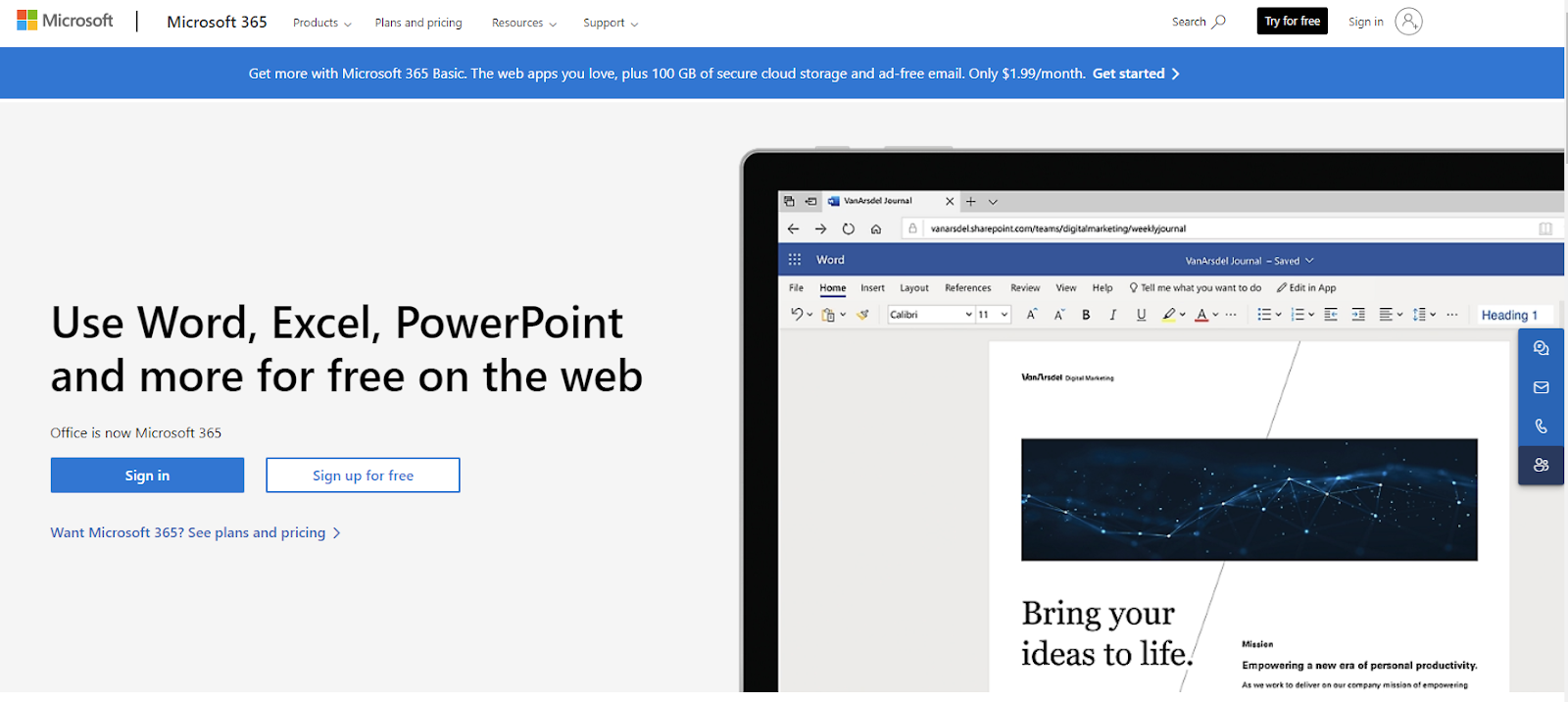
Office now is Microsoft 365!The key difference between Microsoft 365 and previous versions of Microsoft Office is its multi-platform and online capabilities, meaning you can access Microsoft 365 through a web browser. While the online version of Office may not offer as robust features as its desktop counterpart and may experience occasional lags, it still suffices for basic tasks like editing documents, spreadsheets, and presentations. Most importantly, you don’t have to install or pay for anything unless you want more onedrive storage.
Pros:
- Online access to Microsoft Office features.
- Cloud storage and collaborative work capabilities.
- Completely free to use.
Cons:
- You cannot edit files locally unless you have downloaded the local Office software.
- The free version offers only 5GB of storage capacity.
go
4. Using the free, ad-supported Office
Here’s another economical option—especially for those who use the Office suite for light editing: the free, ad-supported version of Microsoft Office! Although this version is still in testing, according to Microsoft, and hasn’t been officially released, it does allow users to access essential tools like Word, Excel, and PowerPoint without paying for a subscription.
Unlike the free Microsoft 365 Online, this version is a desktop app. However, your documents are saved to OneDrive, which means you can’t save files directly to your hard drive—you’ll need to download them from the cloud if you want a local copy.
Features
- Free access to Word, Excel, and PowerPoint
- 5GB of free OneDrive storage
- Available only on Windows
- Reduced functionality (no offline access, fewer advanced tools, etc.)
- Ads are displayed in the interface

continue for free.png
Steps to Install
1. Download the desktop version of Microsoft Office from the official website.
2. When prompted to log in, click “Skip for now” at the bottom of the login box.
3. On the next page, click “Continue for free.”
4. You’ll then see the option to “Save to OneDrive”—select this to proceed.